Guides
Find all the documentation and resources to make the most of our platform.
Load Products
Add products with names, prices, VAT, and stock. Everything you need to sell and invoice correctly.
~5 min read
Register a provider
Register suppliers with contact details and commercial terms. Always know whom to ask for restocking.
~1 min read
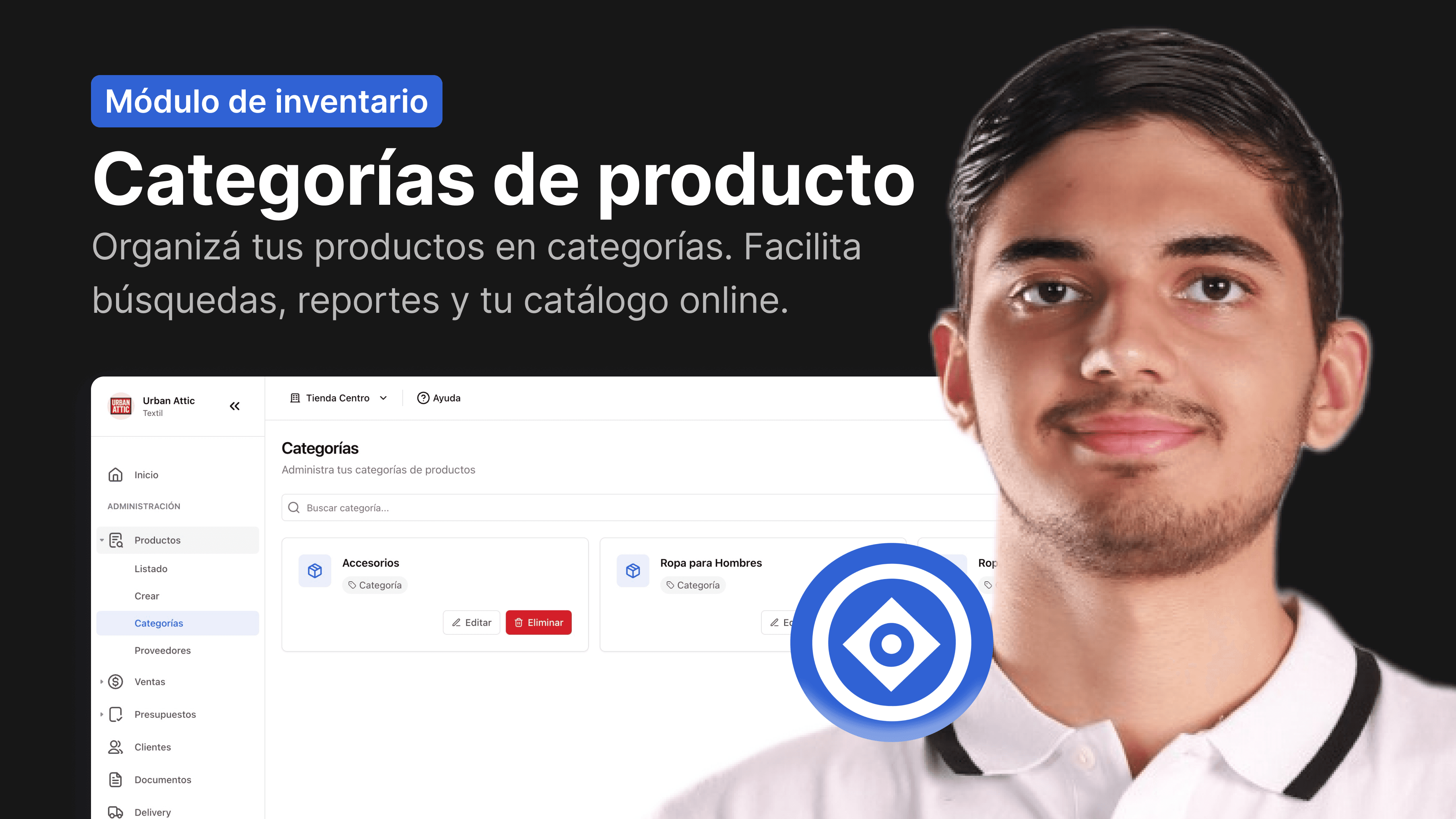
Create a product category
Organize your products into categories. It makes searches, reports, and your online catalog easier.
Add product variants
Create size, color, or capacity variants for the same product. Each variant has its own stock and SKU.
Adjust product stock
Adjust the stock when there are differences with the physical inventory. Every movement is recorded.
Bulk import products
Upload many products at once using Excel. Ideal for migrations or large catalogs.
~2 min read
Create a sale
Create sales by selecting the customer, products, and payment method. Generate the fiscal receipt in a single flow.
Add products for sale
Add products by name, barcode, or SKU. Adjust quantities and prices as needed.
3 min read
Apply discounts to a sale
Apply discounts by product or on the total. The system recalculates taxes automatically.
Change the status of a sale
Change the status of a sale between pending, paid, delivered, or canceled. Each change has implications.
Generate electronic invoice
I issued valid electronic invoices to the SET. The system automatically generates and sends the document.
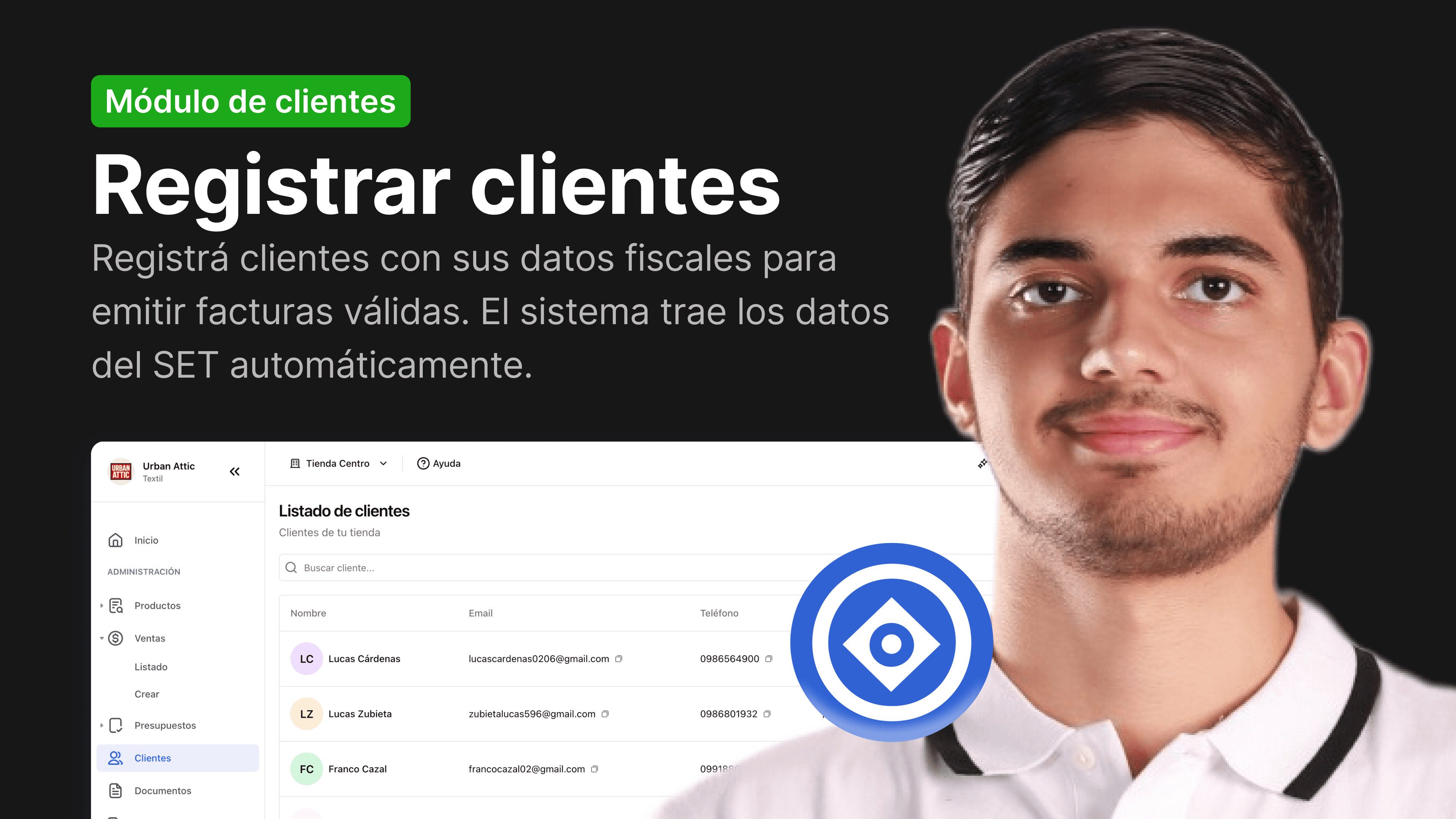
Register customers
Load customers correctly and keep your sales history.
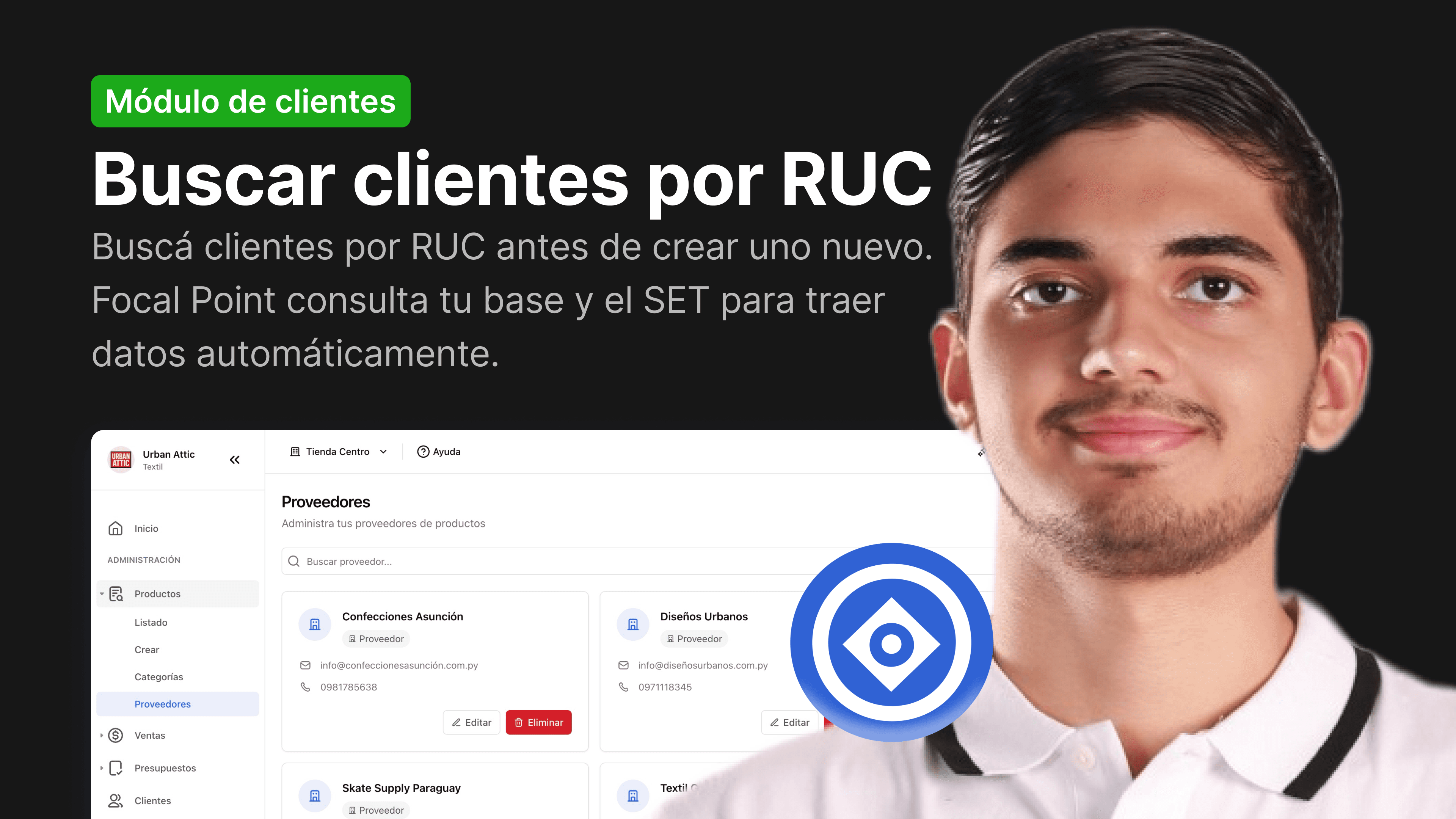
Search customers by RUC
Use the RUC lookup to invoice without errors.
Edit customers
Edit the details of an existing customer. Changes apply only to future transactions.
Export customers
Export your customer list to Excel or CSV. Useful for email campaigns or external analysis.
Create a budget
Send quotes to customers before closing the sale. Turn it into a sale with one click.
Convert estimate to sale
Convert an approved quote into a sale without re-entering data. Maintain full traceability.
Record Expenses
Record operating expenses to know how much your business really earns
~4 min read
Edit Expenses
Keep your expenses up to date.
Configure business data
Set up your company name, RUC, logo, and contact details. They appear on invoices and receipts.
Set up electronic invoicing
Configure SIFEN with your digital certificate and CSC. Test in development before moving to production.
Integration with Pagopar
Integrate PagoPar to accept payments with QR and receive online payments. Transactions are recorded automatically.
Search...
⌘K